01 / YOUR DOCUMENT HUB
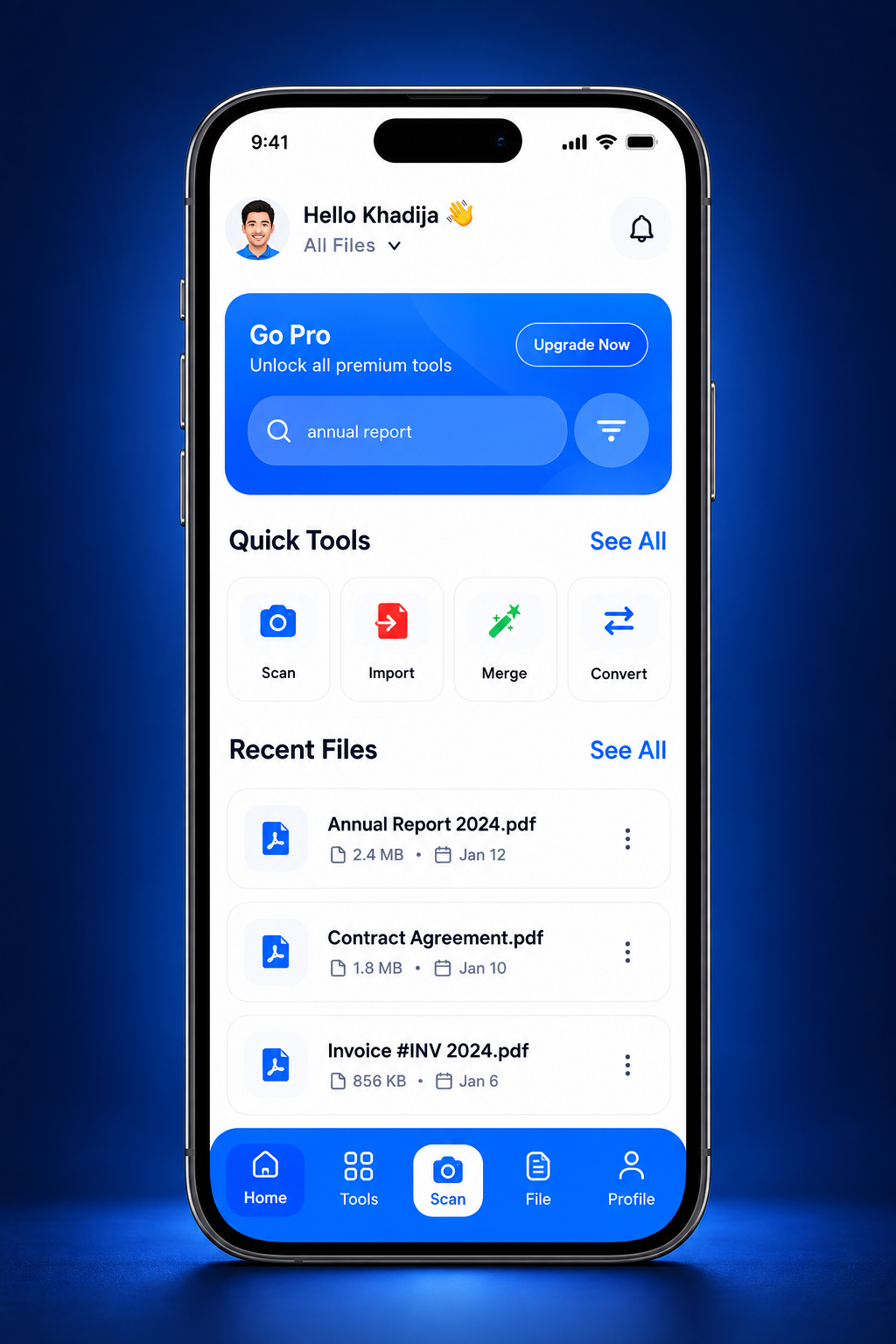
Everything starts here.
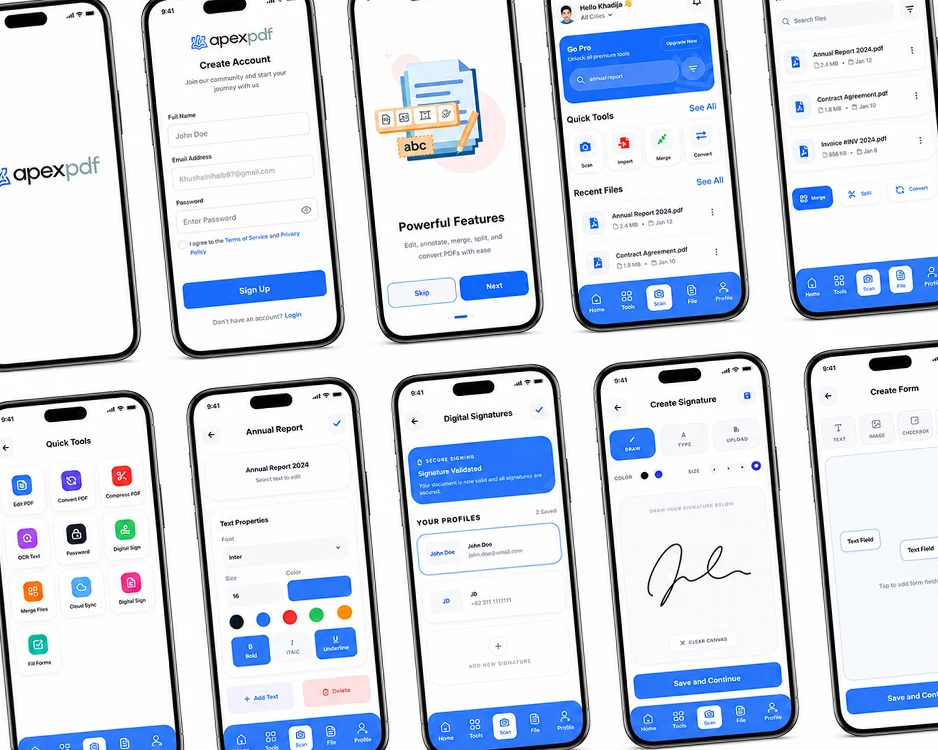
Recent files, quick actions and your next document. A clear home for the work that matters.
 ApexPDFGet ApexPDF ↗
From the first scan to the final signature. Edit, convert, organize and share your documents in a clean mobile workspace built to keep you moving.
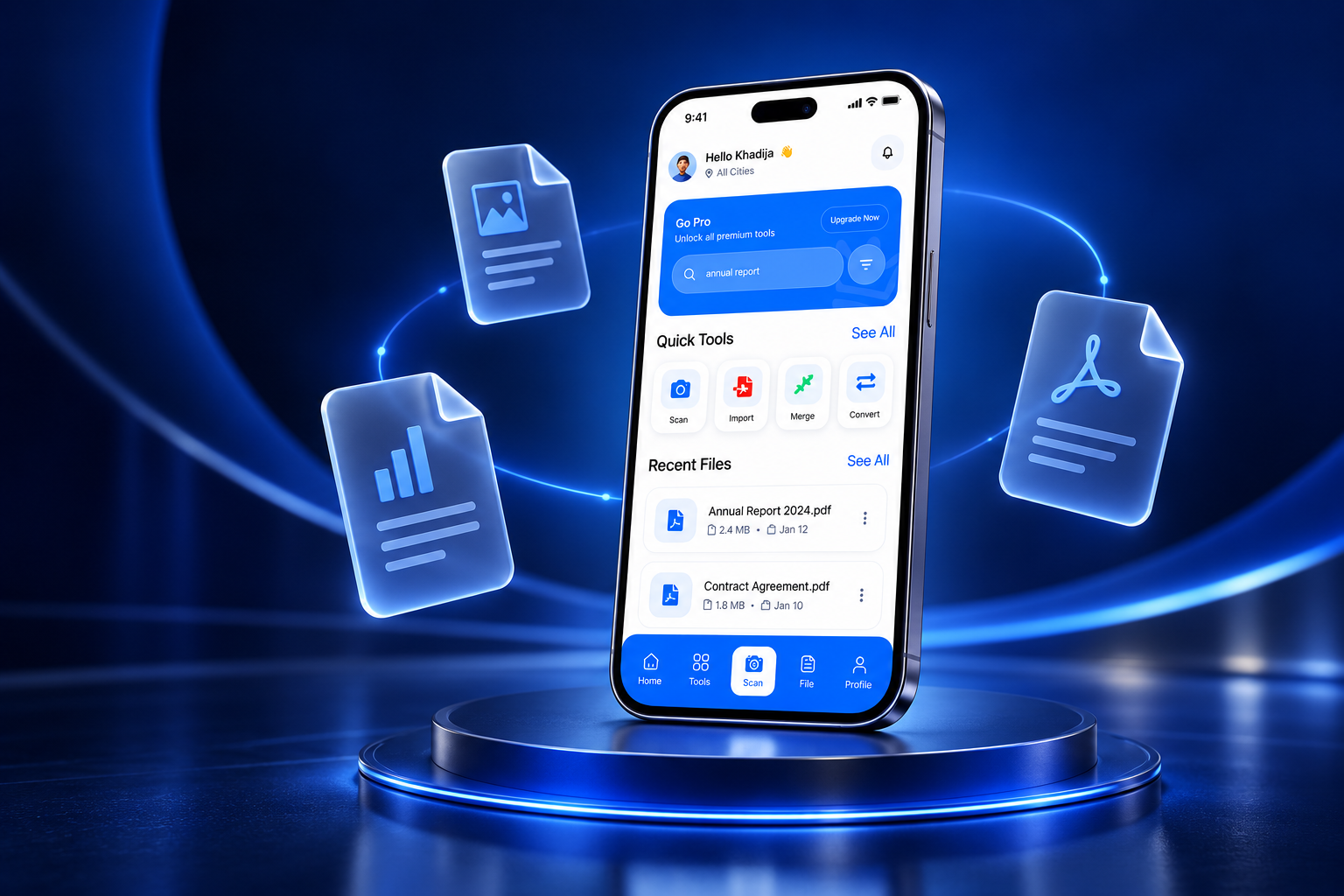
A contract to sign. Notes to scan. A file that’s too big to send. Give every document its next step.
Recent files, quick actions and your next document. A clear home for the work that matters.
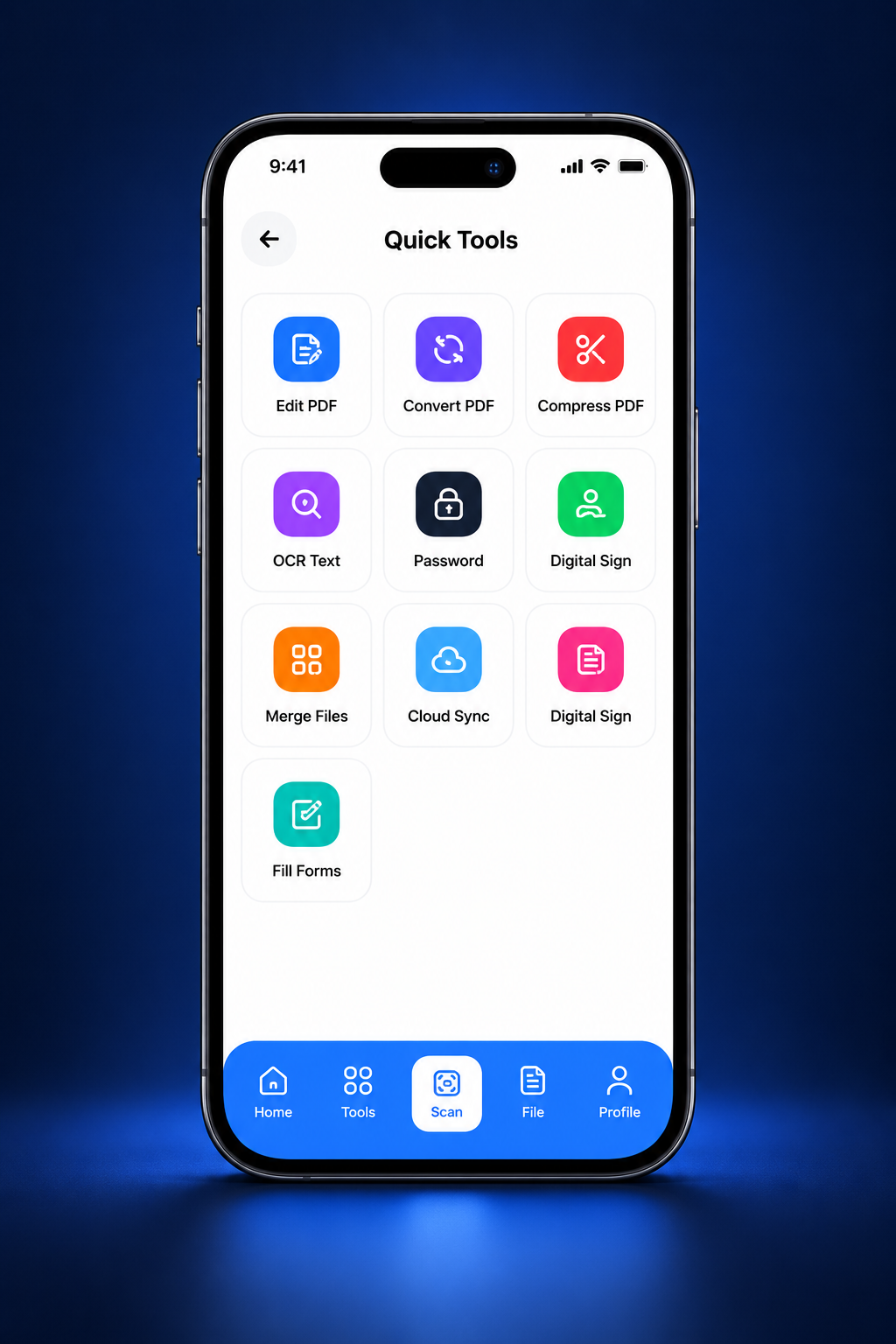
Edit, convert, compress and organize. Find the right tool without jumping between apps.
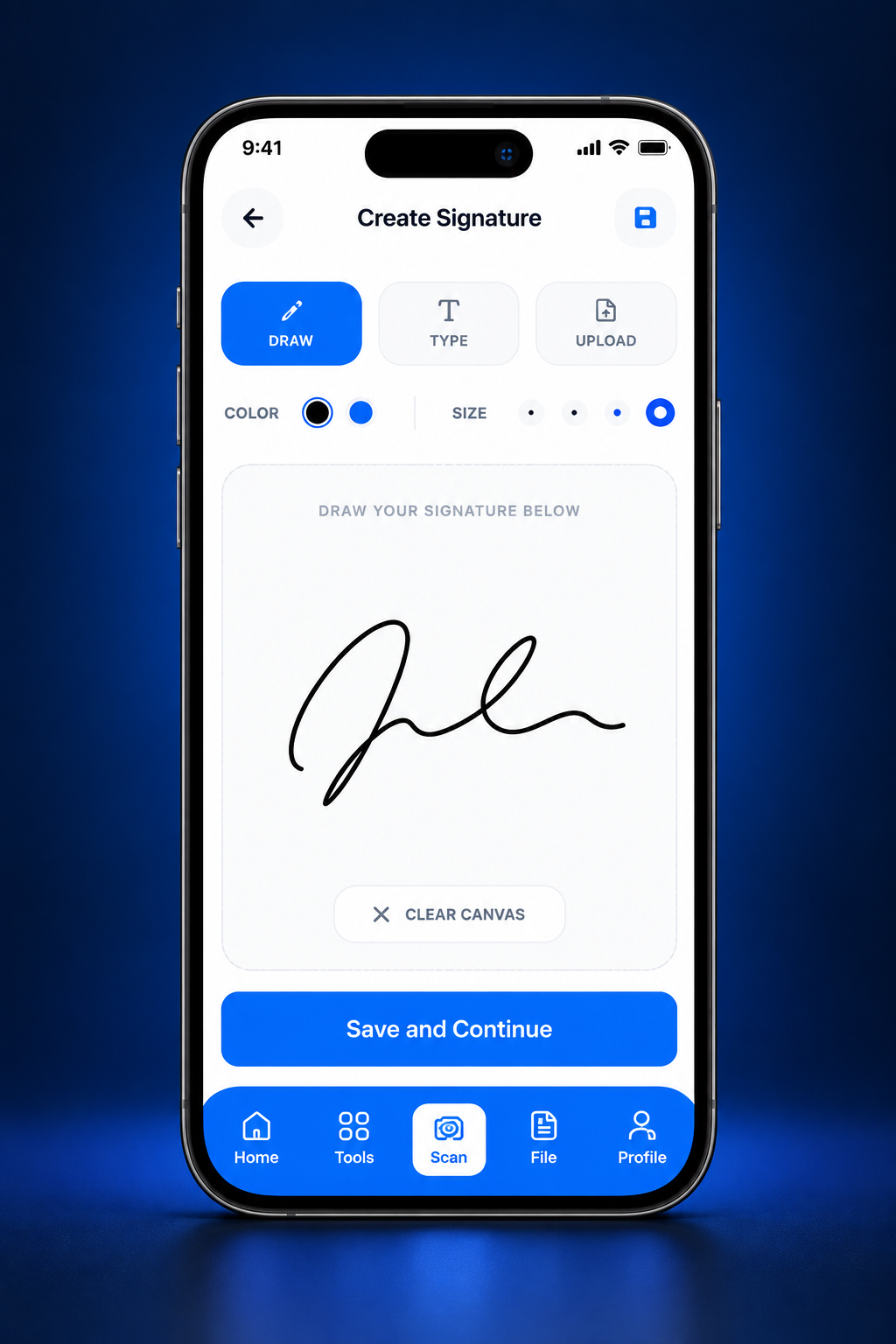
Draw, type or upload a signature, then place it on your document and keep things moving.
Give your files a new format.
Make room. Share lighter files.
Add password protection.
Keep your document workflow connected.
Explore the moments that turn paperwork into progress.
Pick up where you left off. Open recent files and reach your everyday tools from one simple dashboard.
 FROM PAPER TO PDF, WITHOUT THE DETOUR.
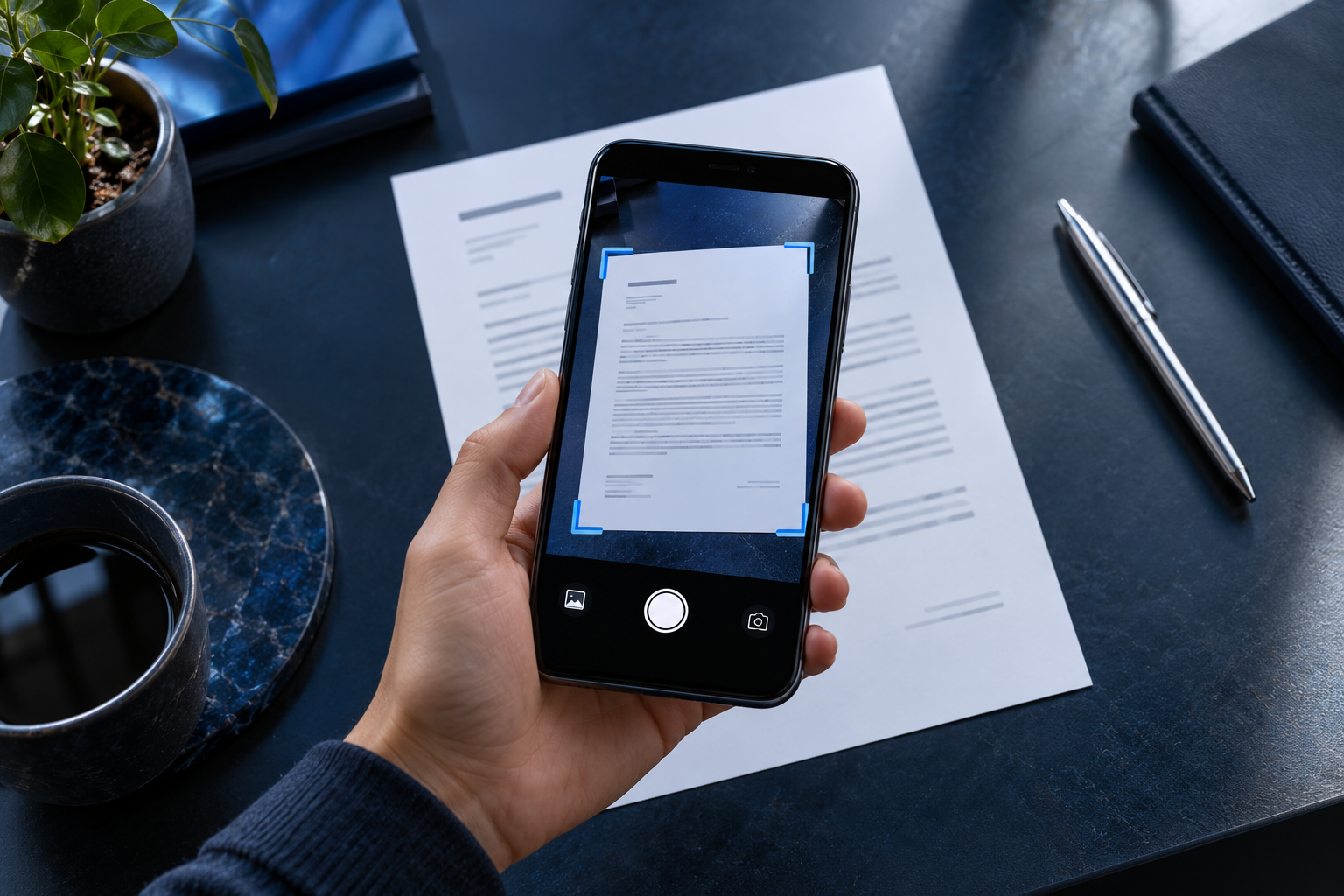
Open a PDF or scan the paper in front of you.
Choose your tool. Add notes, sign, fill, or organize.
Save your document and share it when you’re ready.
ApexPDF is a PDF toolkit for Android that brings scanning, OCR, annotation, signatures, forms, conversion and page organization into one app.
Yes. The app includes a camera scanning workflow and OCR tools for extracting text from scans.
You can create and place signatures, annotate documents, and work with PDF forms using the editing tools.
Read our Privacy Policy for details about data handling, permissions and third-party services.
This website introduces the Android app. Use the Google Play link below to check listing availability and device compatibility.
Your next document deserves a simpler workflow.
Check availability on Google Play ↗Availability and device requirements are shown on Google Play.