 ApexPDF
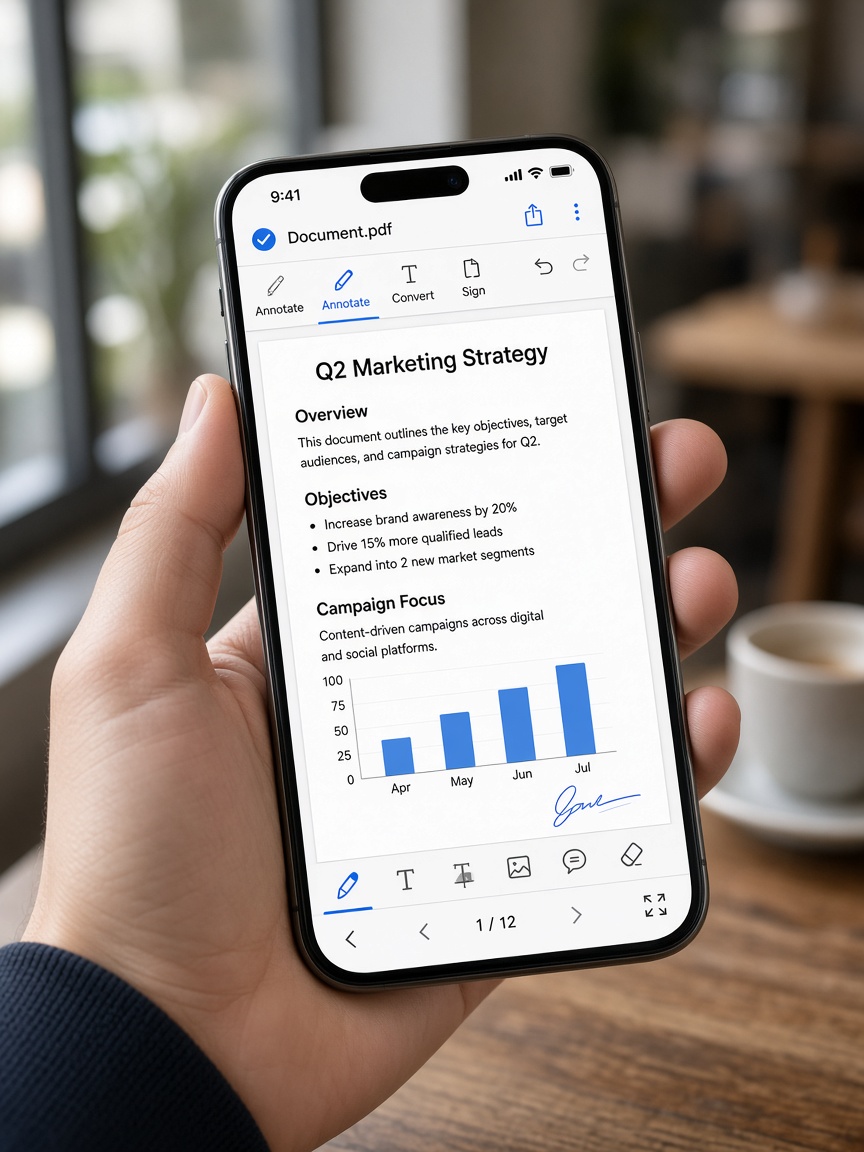
Edit PDF
Text & markup tools for everyday edits.
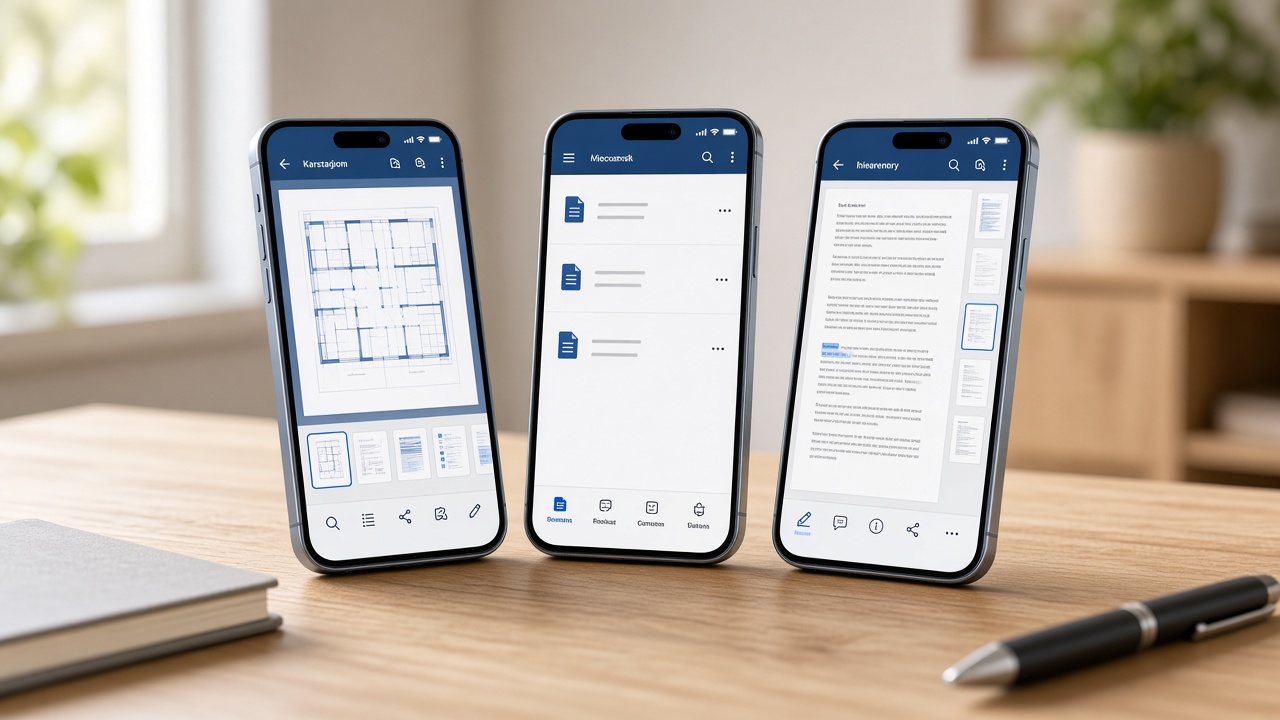
ApexPDF brings editing, scanning, signatures, forms, and cloud sync into one Android experience.
Mark up pages, manage sticky notes, reorder or delete pages, and keep large files lean with compression presets.

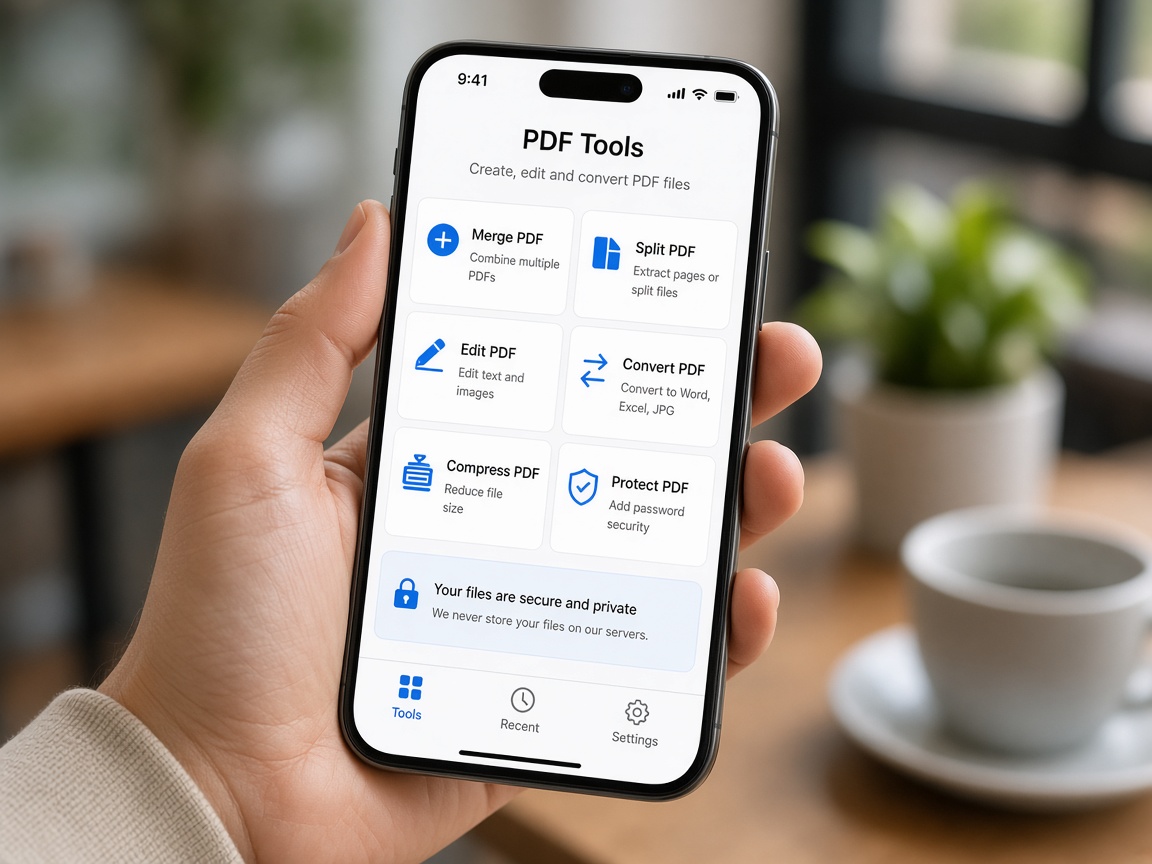
Jump straight into convert, OCR, password protect, digital sign, split, merge, cloud sync, and fill forms from a single grid.
Design fillable fields or fill existing templates. Save presets, export filled PDFs, and keep form work reusable.
Draw, type, or upload a signature, store profiles, and place them precisely on your PDF — ideal after a free trial when signatures remain available.
Connect Google Drive, Dropbox, OneDrive, and (on iOS) iCloud so documents stay within reach across your workflow.

What ships in ApexPDF today.
Text & markup tools for everyday edits.
Flexible conversion workflows.
Reduce size for email and uploads.
Extract text from camera scans & images.
Encrypt and restrict PDF actions.
Create, store, and place signatures.
Break apart or combine files.
Create fields and fill templates.
Link major cloud providers.
Capture paper docs with the camera.
Browse recent, starred & favorites.
Unlock the full toolkit via subscription.